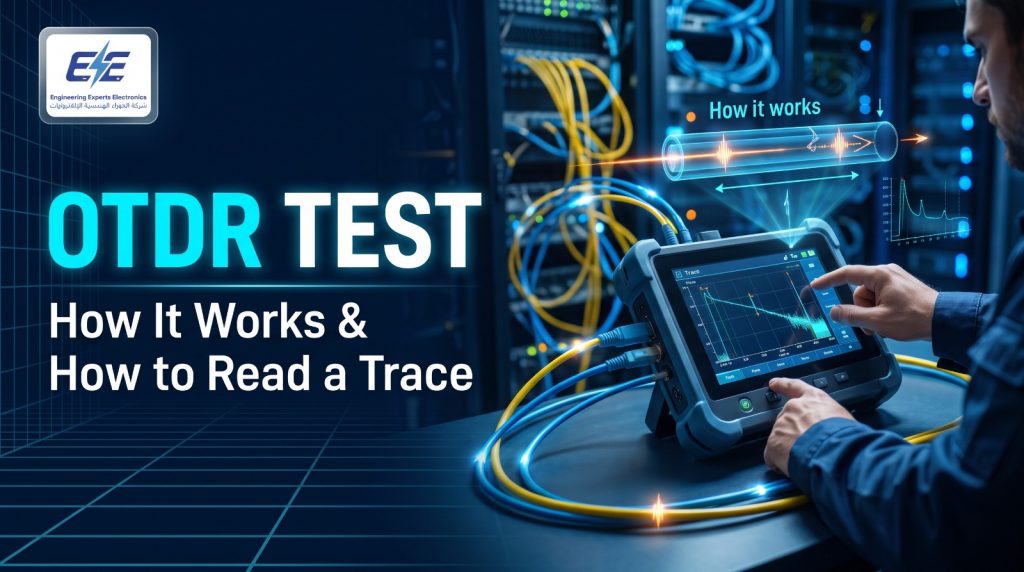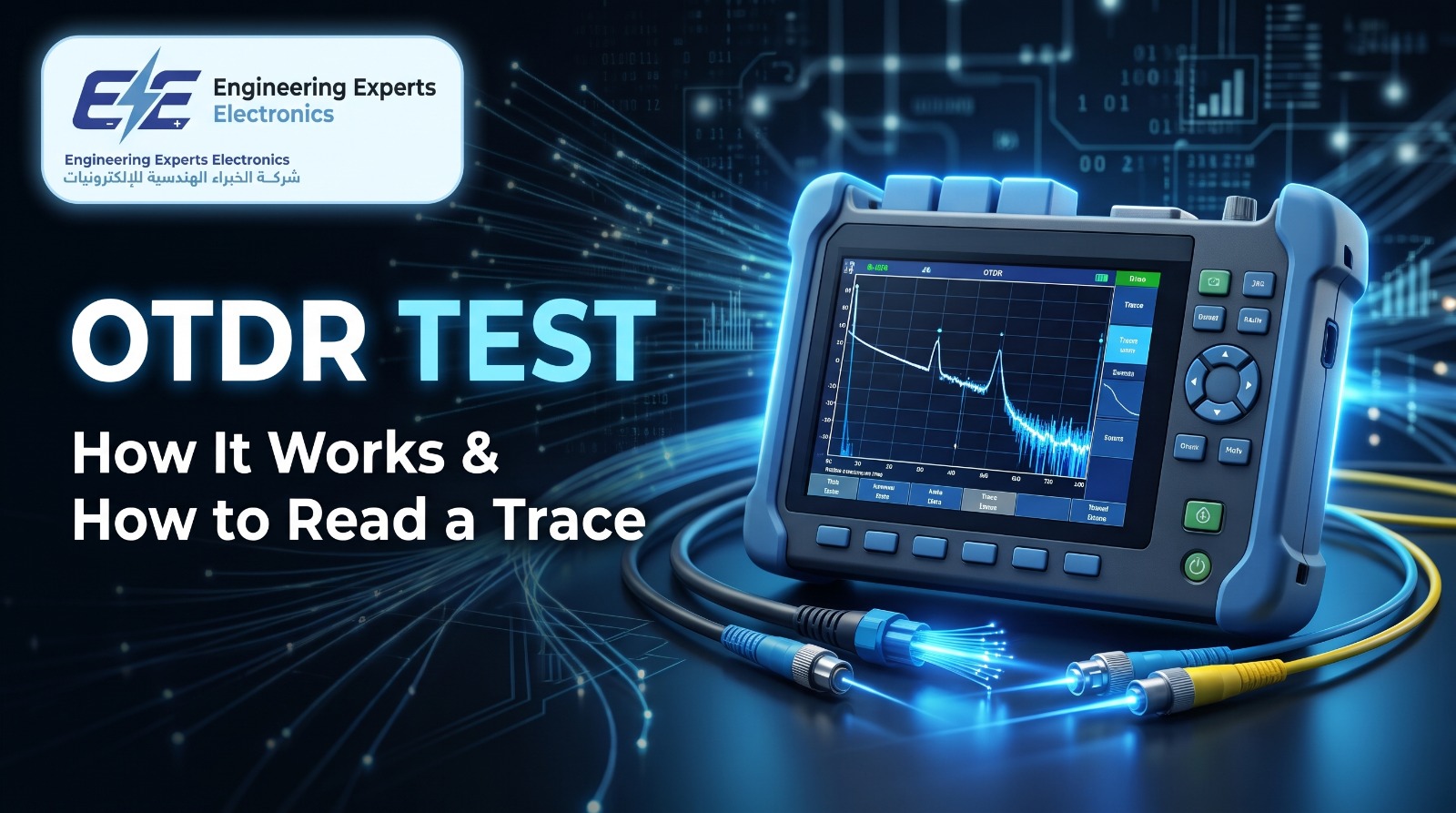
How an OTDR works, how to read an OTDR trace, pulse width, dead zones and launch cables, acceptable loss values, OTDR vs power meter and how to choose an OTDR for fibre work in Jordan. From EE Electronics, Amman.
In this article
Key takeaways
- An OTDR test sends light pulses into a fibre and measures what comes back, building a trace that shows the length of the fibre and the location and loss of every splice, connector, bend and break.
- Always test with a launch cable, and usually a receive cable, so the first and last connectors can be measured.
- Test at two wavelengths (for example 1310 and 1550 nm) to tell bends from splices, and in both directions to measure splices accurately.
- An OTDR characterises the link; a light source and power meter measure its total loss. Many specifications ask for both.
The OTDR test is the most powerful single test in fibre optics. Where a light source and power meter tell you only how much light is lost from one end of a link to the other, an OTDR shows you where it is lost: each fusion splice, each connector, a tight bend in a manhole, a crushed cable in a duct, or the exact distance to a break. It is the instrument fibre contractors, telecom operators and utilities rely on to certify new links and to find faults quickly.
It is also the test that is easiest to misread. A trace full of spikes, slopes and “gainers” can be confusing, and wrong settings can hide faults. This article from EE Electronics, a supplier of test and measurement equipment in Jordan for more than 30 years, explains how an OTDR works, how to read an OTDR trace, which settings matter, what loss values to expect, and how to choose an OTDR for fibre work in Jordan.
What is an OTDR test?
OTDR stands for optical time domain reflectometer. An OTDR test injects a series of short, powerful laser pulses into one end of a fibre and measures the light that returns to the same end over time. Because light travels at a known speed in glass, the time each returning signal takes tells the OTDR how far away it came from. The result is a graph, the OTDR trace, of returned power against distance along the fibre.
Two kinds of light come back:
- Rayleigh backscatter: a small, continuous amount of light scattered back by the glass itself along the whole length of the fibre. Its gradual decline with distance shows the fibre’s attenuation, and sudden drops show losses such as splices and bends.
- Fresnel reflections: sharp spikes from abrupt changes in the light path, such as connectors, mechanical splices, cracks and the end of the fibre. According to EXFO, a reflection can be thousands of times stronger than the backscatter.
Since the OTDR only needs access to one end, an OTDR test can measure a link that runs for tens of kilometres, or find a break in a cable whose far end is out of reach.
How the OTDR calculates distance
The OTDR converts the round-trip time of each signal into distance using the group index of refraction (IOR) of the fibre:
Here c is the speed of light in a vacuum, t is the round-trip time and n is the fibre’s group index, about 1.468 for standard singlemode fibre (always use the value from the cable datasheet). The division by two accounts for the light travelling out and back. A wrong IOR setting gives a wrong distance, which matters when a crew has to dig at the right spot. The Fibre Optic Association (FOA) also notes that a cable is about 1% shorter than the fibre inside it, because the fibres are laid with some slack.
How to read an OTDR trace
An OTDR trace reads from left to right, from the instrument to the far end of the fibre. Power is shown in dB on the vertical axis and distance on the horizontal axis. A healthy link shows a straight, gently falling line with small, regular events.
| What you see | What it is | What to do |
|---|---|---|
| Large spike at the start | Front-panel connector and launch dead zone | Normal; why a launch cable is used |
| Spike with a step down | Connector or mechanical splice | Check loss and reflectance against limits |
| Small step down, no spike | Fusion splice or bend | Compare 1310 and 1550 nm to tell them apart |
| Step much larger at 1550 nm | Macrobend or stressed fibre | Inspect routing, trays, ducts and manholes |
| Apparent gain (step up) | “Gainer”: joint between fibres with different backscatter | Test in both directions and average |
| Spike at twice a known distance, no loss | Ghost: a repeated reflection | Ignore; reduce with better connectors at the launch |
| Spike then noise floor earlier than expected | Break or end of fibre | Locate by distance; confirm with the route plan |
| Steeper slope over a section | High attenuation fibre or cable damage | Measure dB/km on that section |
Splices: why you test in both directions
The OTDR measures loss from the change in backscatter level. When two fibres with slightly different backscatter characteristics are spliced together, the OTDR sees a loss that is too high in one direction and too low, or even a gain, in the other. FOA explains that averaging the readings from both directions gives the true splice loss, and that this is the only reliable way to test splices with an OTDR. That is why acceptance specifications for long links usually ask for a bidirectional OTDR test.
Bends: why you test at two wavelengths
A fusion splice loses about the same at 1310 nm and 1550 nm. A macrobend loses much more at the longer wavelength, because longer wavelengths are more sensitive to bending. Running the OTDR test at both wavelengths and comparing the event loss is the quickest way to find a fibre crushed by a cable tie, wound too tightly in a splice tray or pinched in a duct.
Testing fibre links in Jordan?
EE Electronics supplies OTDRs, light sources, power meters, inspection microscopes and fusion splicers for telecom, FTTH and industrial fibre. Tell us your network type and get a quotation within 24 hours.
OTDR test settings: pulse width, range and averaging
Most OTDRs offer an automatic mode, but understanding the main settings helps you get a clean trace and see small events.
| Setting | What it does |
|---|---|
| Distance range | Set slightly longer than the fibre; the OTDR then knows how long to wait for returns |
| Pulse width | Short pulses resolve close events with small dead zones; long pulses reach further with less noise |
| Averaging time | More averaging reduces noise, so a short pulse can still reach a long distance; it takes longer per trace |
| Wavelength | 1310 and 1550 nm for singlemode; 850 and 1300 nm for multimode; 1625 or 1650 nm for in-service testing |
| Index of refraction | From the cable datasheet; sets the distance accuracy |
The FOA’s advice is to use the shortest pulse that reaches the end of the cable with reasonable averaging. Premises and data centre links use the shortest pulses; long outside-plant links start with a medium pulse and increase only as needed.
Dead zones in an OTDR test
Right after a strong reflection, the OTDR’s receiver is briefly overloaded and cannot see what follows. This is the dead zone. EXFO defines two:
- Event dead zone: the minimum distance after a reflective event at which another event can be detected.
- Attenuation dead zone: the minimum distance after a reflective event at which the loss of the next event can be measured. It is always longer than the event dead zone.
Dead zones grow with pulse width. When you compare OTDR specifications, check the conditions: manufacturers usually quote dead zones at the shortest pulse and at a specific reflectance (EXFO cites -45 dB for singlemode), so figures from different brands are only comparable under the same conditions.
Launch and receive cables for the OTDR test
Because of the dead zone at the start of the trace, the OTDR cannot measure the first connector of the link if it is plugged in directly. A launch cable, also called a pulse suppressor, is a known length of fibre connected between the OTDR and the link. It lets the OTDR recover so the first connector of the link appears clearly on the trace. A receive cable at the far end does the same for the last connector. VIAVI recommends lengths that grow with pulse width:
| Pulse width | Launch cable length |
|---|---|
| 3 ns, 10 ns, 30 ns | 10 to 20 m |
| 100 ns, 300 ns | 100 to 200 m |
| 3 µs to 100 µs | 1 to 2 km |
Dynamic range
Dynamic range is the maximum loss an OTDR can see before its trace disappears into noise. It decides how long a link an OTDR test can cover. EXFO’s rule of thumb is to choose an OTDR with 5 to 8 dB more dynamic range than the maximum loss you expect. As an example, EXFO calculates that an OTDR with 35 dB dynamic range has about 30 dB usable, enough for roughly 120 km of fibre at 0.20 dB/km with a splice every 2 km.
Acceptable loss values for OTDR test results
OTDR test results are judged against the project specification, which usually refers to TIA-568 or ISO/IEC 11801 cabling standards and the cable manufacturer’s data. The FOA summarises the common values:
| Component | Typical | Maximum |
|---|---|---|
| Singlemode fibre, 1310 nm | about 0.5 dB/km | 1.0 dB/km premises, 0.5 dB/km outside plant |
| Singlemode fibre, 1550 nm | about 0.4 dB/km | 0.5 dB/km outside plant |
| Multimode fibre, 850 nm | about 3 dB/km | 3.5 dB/km |
| Multimode fibre, 1300 nm | about 1 dB/km | 1.5 dB/km |
| Connector pair | 0.3 dB | 0.75 dB |
| Singlemode fusion splice | 0.15 dB | 0.3 dB (TIA-568 splice limit) |
Worked example: a loss budget
Consider a 2.5 km singlemode link between two buildings on an industrial site, tested at 1550 nm, with a connector pair at each end and 3 fusion splices along the route.
A measured total loss close to 2.0 dB means the link was built well. A result near 3.6 dB passes but deserves a look at the trace, and the OTDR will show exactly which splice or connector is responsible. The FOA also reminds testers to allow for measurement uncertainty, typically around ±0.5 dB, before rejecting a result that is just over the budget.
OTDR test vs light source and power meter
An OTDR does not measure the total insertion loss of a link directly; it infers loss from backscatter. The FOA states plainly that OTDRs should not be used for measuring insertion loss. The reference method is an optical loss test set (OLTS): a calibrated light source at one end and a power meter at the other.
| OTDR | Light source and power meter | |
|---|---|---|
| Measures | Length, location and loss of each event | Total end-to-end loss |
| Access needed | One end | Both ends |
| Finds faults | Yes, with distance | No; only shows that loss is too high |
| Cabling standards | Tier 2 (extended) certification | Tier 1 (basic) certification |
| Best for | Long links, splices, troubleshooting, records | Acceptance of total loss against the budget |
On large projects, specifications usually ask for both: an OLTS result to prove the total loss is within budget, and an OTDR trace of every fibre to document the splices and connectors and to serve as a baseline for future fault finding.
OTDR test procedure, step by step
- Inspect and clean every connectorInspect the OTDR port, the launch cable and the link connectors with a fibre inspection microscope and clean them if needed. Contaminated connectors are the most common cause of fibre problems, and IEC 61300-3-35 gives pass/fail criteria for end-face cleanliness.
- Check the fibre is darkMake sure the fibre is not carrying live traffic, or use an out-of-band wavelength such as 1625 or 1650 nm with a filtered port for in-service testing.
- Connect the launch and receive cablesConnect the launch cable between the OTDR and the link, and the receive cable at the far end.
- Set up the testEnter the IOR from the cable datasheet, choose the wavelengths, and set the range and pulse width, or use the auto mode as a starting point.
- Acquire and analyseRun the test, check that the end of the fibre is clearly visible, and review the event table against the specification.
- Test from the other endFor splice acceptance, repeat from the far end and average the two results for each splice.
- Save and reportSave each trace with the fibre ID and produce a report. These traces are your baseline for future fault finding.
Fibres can carry invisible infrared light at power levels that can damage the eye. Never look into a connector or fibre end, and use a video inspection probe rather than a direct-view microscope on fibres that may be live.
Common OTDR test mistakes
Most bad OTDR test results come from a handful of avoidable mistakes:
- Testing without a launch cable, so the first connector is lost in the dead zone.
- Skipping connector inspection, which leaves dirty end-faces that add loss and can damage the OTDR port.
- Using a pulse that is too long, which merges closely spaced events into one.
- Testing at one wavelength only, which hides bends.
- Accepting splice loss from one direction, which can pass bad splices or fail good ones.
- Using the wrong IOR, which sends the repair crew to the wrong place.
- Mistaking ghosts for faults, especially in short links with highly reflective connectors.
OTDR testing on FTTH and PON networks
Fibre-to-the-home networks use passive splitters, which make the OTDR test harder. The FOA notes that a 1:32 split network has about 18 dB of loss in the splitters and fibre, and that an OTDR testing from the central office sees the combined backscatter of all the branches after the splitter, so individual events cannot be assigned to a branch without good records. Only the end of the longest branch is unambiguous.
The practical answers are:
- Test from the subscriber end towards the central office, as the FOA recommends, with launch and receive cables where possible.
- Use a PON-optimised OTDR designed to see through high-ratio splitters with short dead zones after the splitter.
- Use 1625 or 1650 nm with a filter for in-service troubleshooting without disturbing customers.
- Measure power at the ONT with a PON power meter as the first check before going deeper.
OTDR testing in Jordan
Fibre is spreading fast in Jordan. Orange Jordan alone reported in January 2026 that its fibre network reached about 1.135 million homes since its launch in 2016, with recent expansion in Tafila, Aqaba, Ramtha, Karak, Zarqa and Irbid, and other operators are building their own FTTH networks. Every one of those routes is spliced and maintained with OTDRs, and each new route is handed over with an OTDR test report.
Fibre is just as important outside telecom:
- Power utilities: transmission lines often carry fibre in the earth wire (OPGW), and substations use fibre for protection signalling, SCADA and IEC 61850 networks.
- Solar and wind plants: fibre rings connect inverters, transformers and the plant SCADA. Our article on the solar PV tester covers the DC side of the same plants.
- Industry, hospitals and data centres: multimode and singlemode backbones between buildings and floors, tested with OTDRs and cable certification testers.
- Contractors and splicing teams: who need OTDR reports to hand over every new route.
For power cables rather than fibre, the equivalent technique is time domain reflectometry with a cable fault locator; see EE Electronics’ cable fault locators for MV cables and our article on VLF cable testing.
Choosing an OTDR
| Type | Designed for | Typical user |
|---|---|---|
| Premises / enterprise OTDR | Short links, multimode and singlemode | Data centres, buildings, campuses |
| Handheld field OTDR | Singlemode access and metro networks | Contractors, splicing teams, utilities |
| PON / FTTH OTDR | Testing through splitters, in-service wavelengths | FTTH operators and installers |
| Long-haul modular OTDR | High dynamic range for long routes | Backbone and OPGW networks |
Check these points in any OTDR specification:
- Wavelengths: 1310/1550 nm for singlemode, 850/1300 nm for multimode, plus 1625 or 1650 nm if you test live networks.
- Dynamic range: 5 to 8 dB more than the highest loss you expect, more for PON.
- Dead zones: short event and attenuation dead zones, compared under the same conditions.
- Connector type: UPC or APC to match your network, and spare adapters.
- Built-in tools: power meter, visual fault locator and inspection probe save carrying separate instruments.
- Analysis software: automatic event tables, bidirectional analysis and report templates.
- Launch and receive cables in the kit, matched to your pulse widths.
- Calibration certificate and local support.

- Handheld, PON and multimode/singlemode OTDRs
- Launch cables, inspection probes and power meters
- Reporting software and calibration certificate
Before ordering, our article on buying test equipment in Jordan lists ten checks, and our electrical testing equipment list for Jordan shows what else fibre and network teams use.
Not sure which OTDR fits your network?
Tell EE Electronics your fibre type, link lengths and whether you test FTTH or live networks. We will recommend the right OTDR and accessories and reply within 24 hours.
OTDRs and fibre test equipment from EE Electronics
EE Electronics has supplied test and measurement equipment in Jordan for more than 30 years, from its office in Khalda, Amman. Our communication and networking range covers the full fibre workflow, from splicing to certification and troubleshooting, with instruments from leading brands such as Fujikura, Keysight and other partners. See all the brands we supply.
- Complete fibre kits: OTDR, fusion splicer, light source, power meter and inspection microscope in one quotation.
- The right OTDR for your network: premises, field, PON or long-haul.
- Copper and network testing with network cable testers, network analyzers and telecom cable fault locators.
- Calibration certificate with the instrument, and support from our Amman office.
- Training through our testing and commissioning training.
Fibre optic test equipment in Jordan
Everything needed to splice, test and certify fibre, from EE Electronics in Amman.
Trace every splice, connector and break.
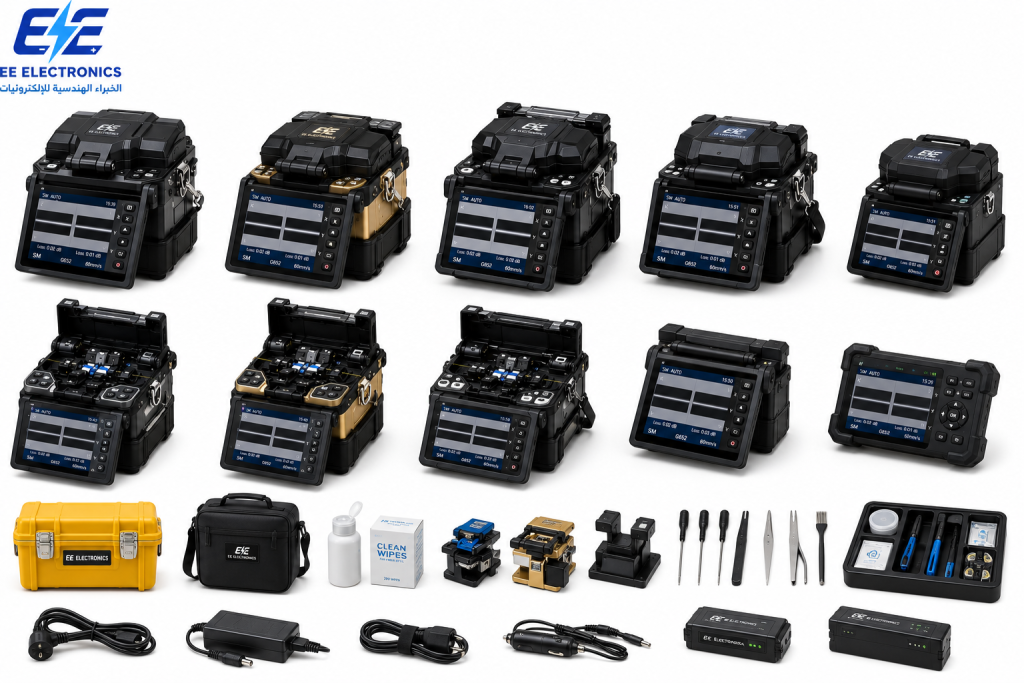
Low-loss splices for every route.
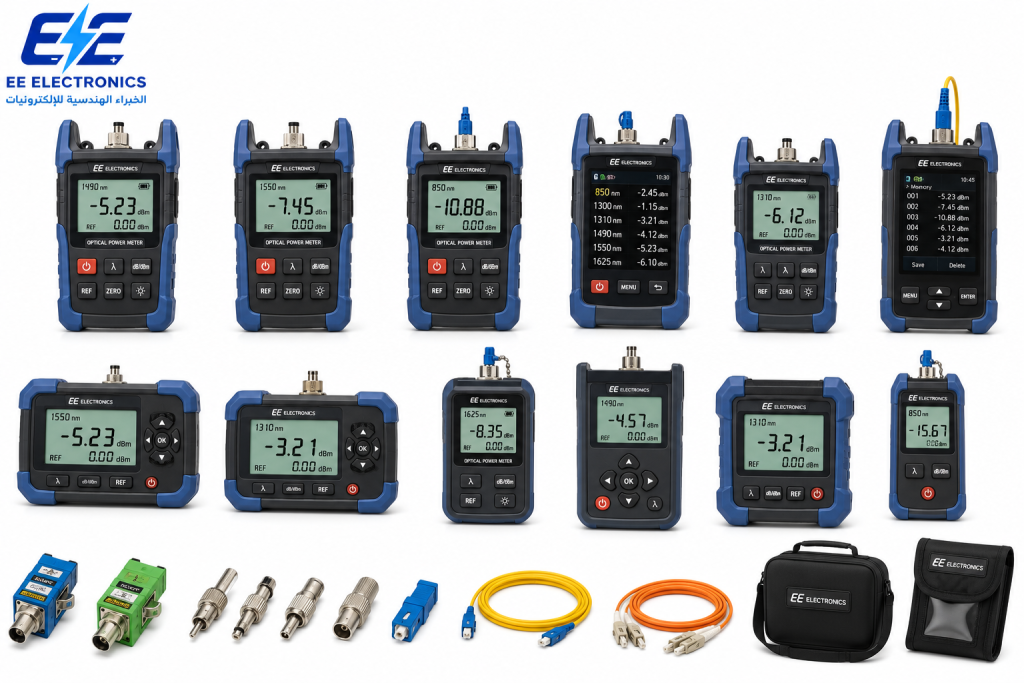
End-to-end loss and PON power.
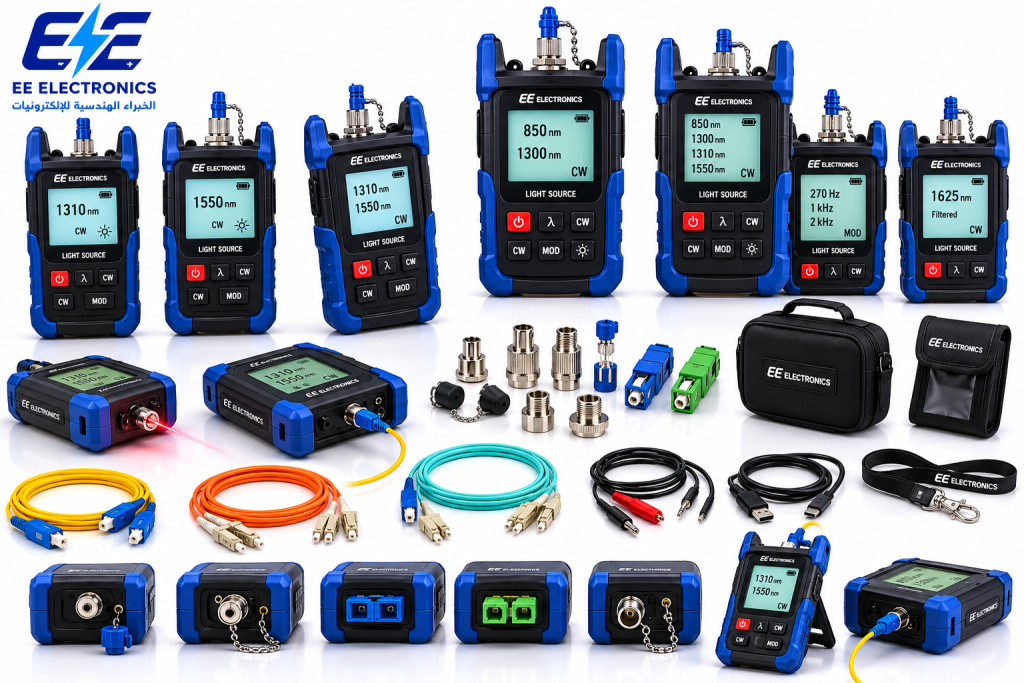
Stable sources for loss testing.
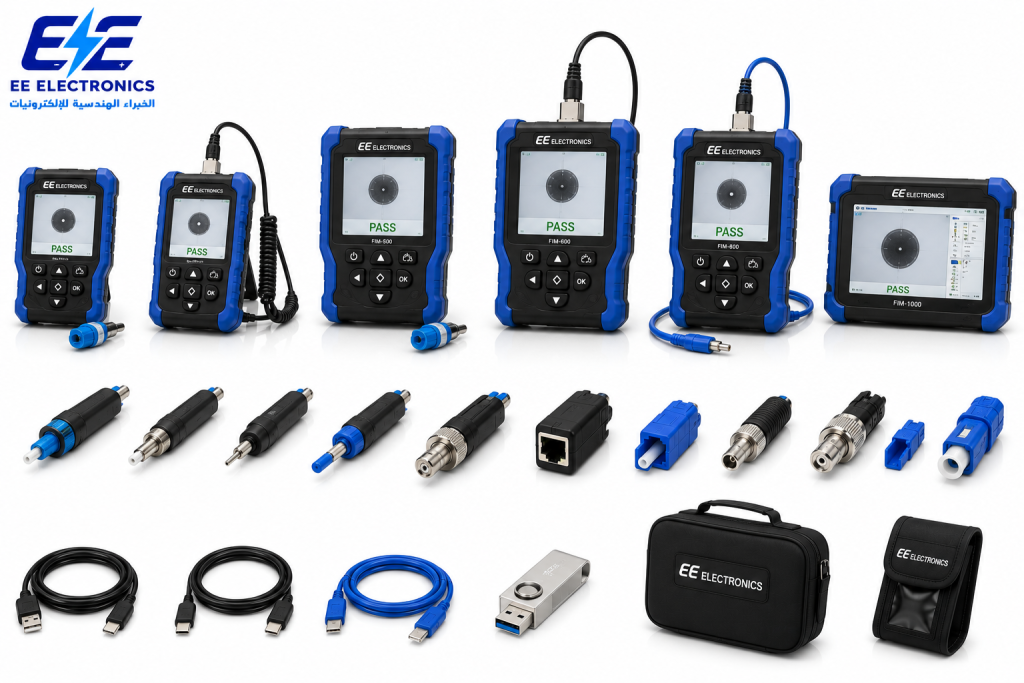
Inspect before you connect.
Browse by category
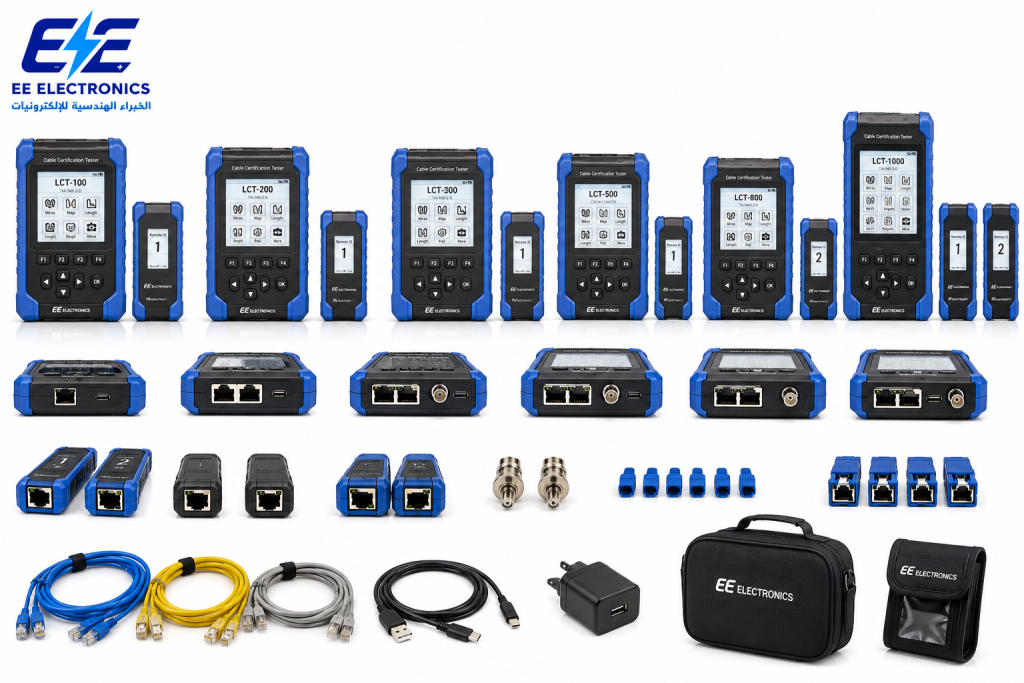
 Communication & NetworkingOTDRs, splicers, power meters, LAN testers
 Electrical & Electronic EquipmentMultimeters, clamp meters, IR and earth testers
 MV/HV Test EquipmentCable fault location, VLF, transformer testing
 Solar PV Testing EquipmentPV testers, IV curve tracers
 Measurement & CalibrationElectrical, process and temperature calibrators
 Training & Engineering SolutionsTesting, calibration and safety training
Frequently asked questions
What is an OTDR test?
An OTDR test sends light pulses into a fibre and measures the backscatter and reflections that return. The resulting trace shows the length of the fibre and the location and loss of each splice, connector, bend and break.
How does an OTDR work?
It measures the time light takes to return from each point along the fibre and converts it to distance using the fibre’s index of refraction. The level of the returned light shows the loss along the fibre and at each event.
Why do I need a launch cable for an OTDR test?
The OTDR cannot measure events in the dead zone right after its own connector. A launch cable moves the first connector of the link beyond the dead zone so its loss and reflectance can be measured; a receive cable does the same for the last connector.
Why test at 1310 and 1550 nm?
Splices lose about the same at both wavelengths, but bends lose much more at 1550 nm. Comparing the two shows whether a loss is a splice or a bend.
Why does my OTDR show a gain at a splice?
That is a “gainer”, caused by joining fibres with different backscatter. Test from both ends and average the two readings to get the true splice loss.
What is the difference between an OTDR and a power meter?
A light source and power meter measure the total loss of a link (Tier 1 certification). An OTDR shows where the loss occurs and finds faults (Tier 2). Many specifications require both.
What is an acceptable splice loss on an OTDR?
A good singlemode fusion splice is typically around 0.15 dB, and TIA-568 sets 0.3 dB as the maximum splice loss. Measure splices bidirectionally before judging them.
Where can I buy an OTDR in Jordan?
EE Electronics supplies OTDRs, fusion splicers, light sources, power meters and inspection microscopes from its office in Khalda, Amman, with calibration certificates and local support. Send your requirement for a quotation within 24 hours.
Testing fibre in Jordan? Get the right OTDR.
Tell EE Electronics about your fibre network and link lengths. We will recommend the right OTDR and fibre test kit and reply with a quotation within 24 hours.